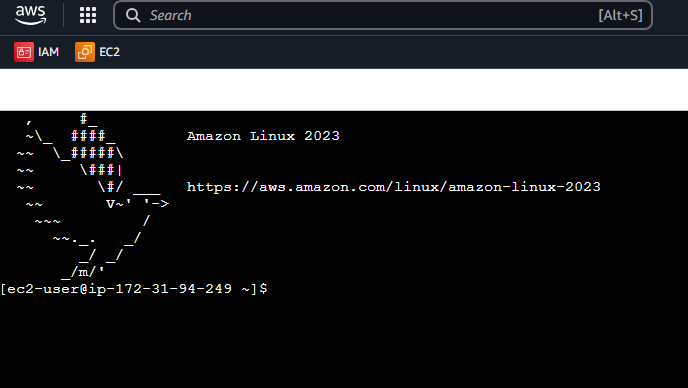
AWS Instance Connect is an alternative to the SSH connection into your EC2 Instances. This allows you to do a browser based connection into EC2.
1. The following is required before you create IAM user for your AWS Free Tier Account.
– An Active AWS Account with admin level permissions..
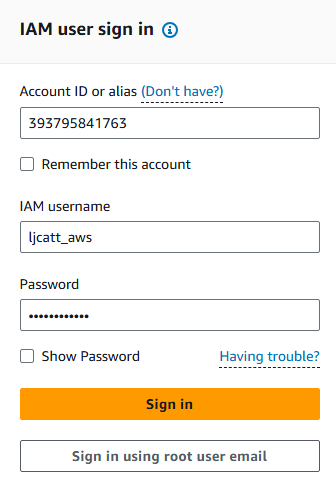
2. Logon to AWS as an IAM user at URL: https://signin.aws.amazon.com/
3. From the Home Console type EC2 in the search bar, select the star next to EC2, and select EC2
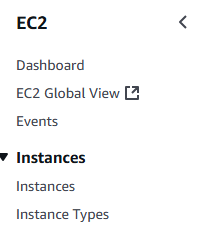
4. On the right hand menu bar select Instance.
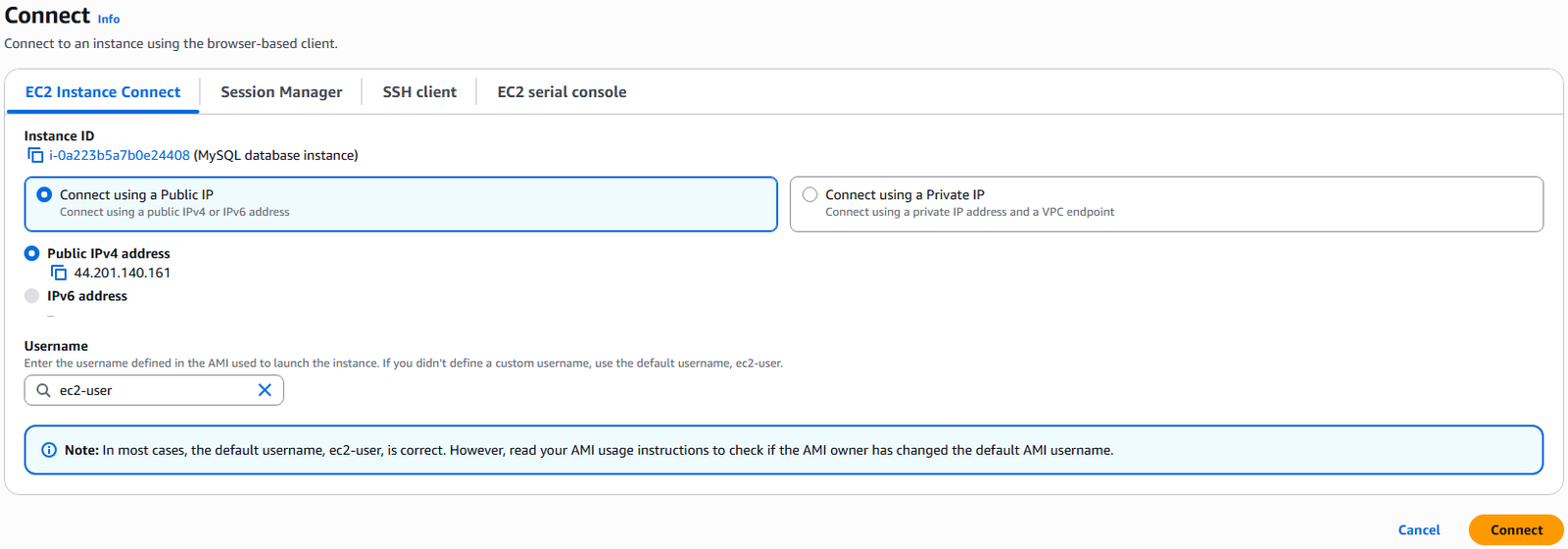
5. We currently have one EC2 Instances built out, select your instance with a check mark and press the Connect button.

6. By default you are already in the EC2 Instance Connect tab, it defaults uses the default ec2-user session. Select Connect.
7. The Instance Connect terminal will startup.