AWS Services execute process that require permissions thus need permissions similar to an IAM user account. IAM Roles are created which are granted permissions and the roles are granted to the service.
Common Roles are:
- EC2 Instance Role
- Lambda Function Role
- Roles for CloudFormation
1. Logon to AWS as an IAM user at URL: https://signin.aws.amazon.com/
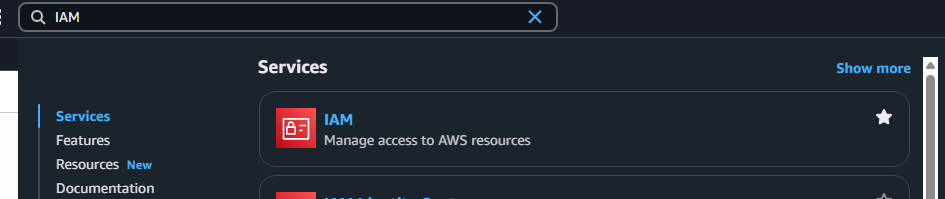
2. In the search bar type IAM, highlight the Star next to IAM (So it will appear on you Console) and select IAM.
3. On the left hand side of the screen, scroll down and select Roles.
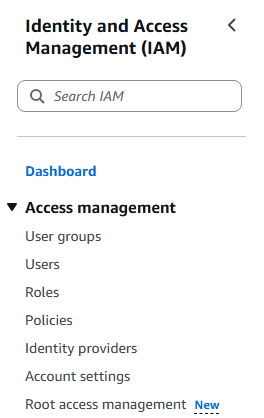
4. The Roles Console appear and select Create Role

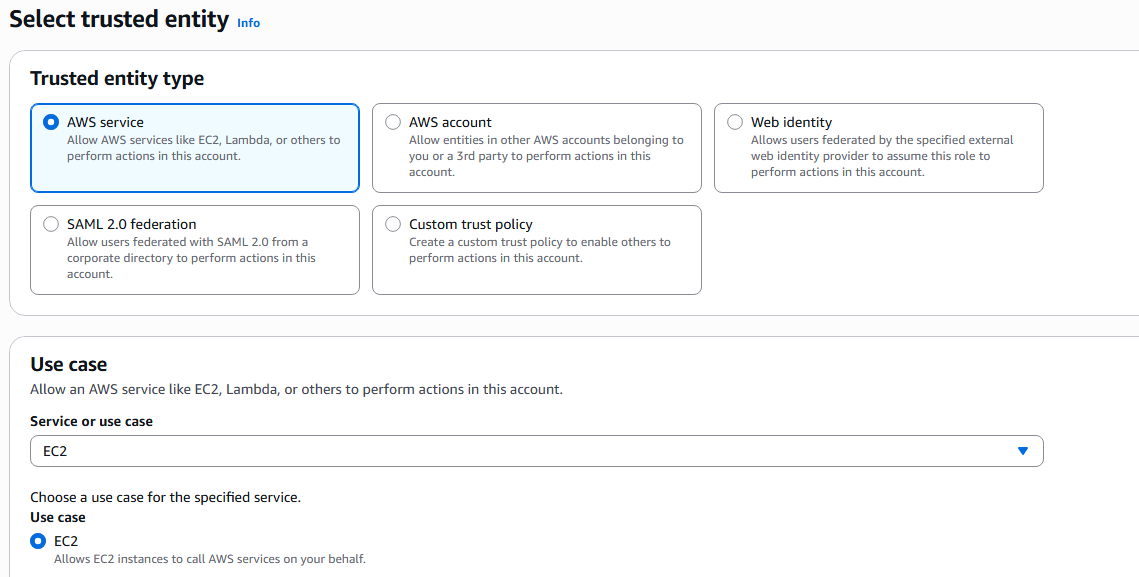
5. The 3 step process will be presented. The first step is to select the Entity you wish to create the role for. There are 5 entity types: AWS Service, AWS Account, Web Identify, SAML, and Custom trust policy. We will choose AWS Service and the service that it will apply to chose EC2.
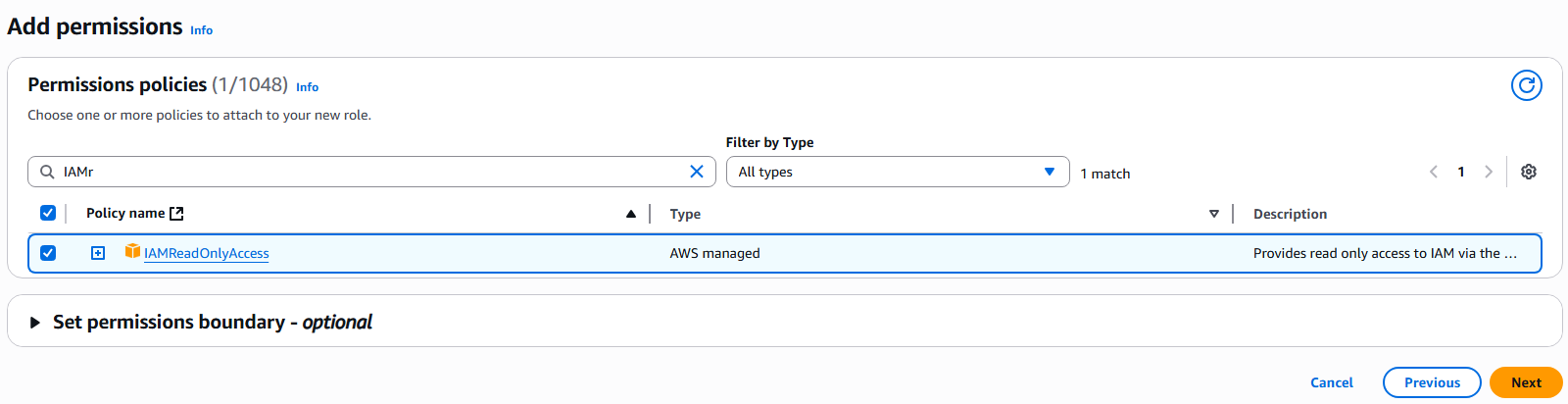
6. Next page we will need to attach policies for the new Role, basically a defined list of permissions. We will give the role permissions to read from IAM with the policy IAMReadOnlyAccess. Click Next.
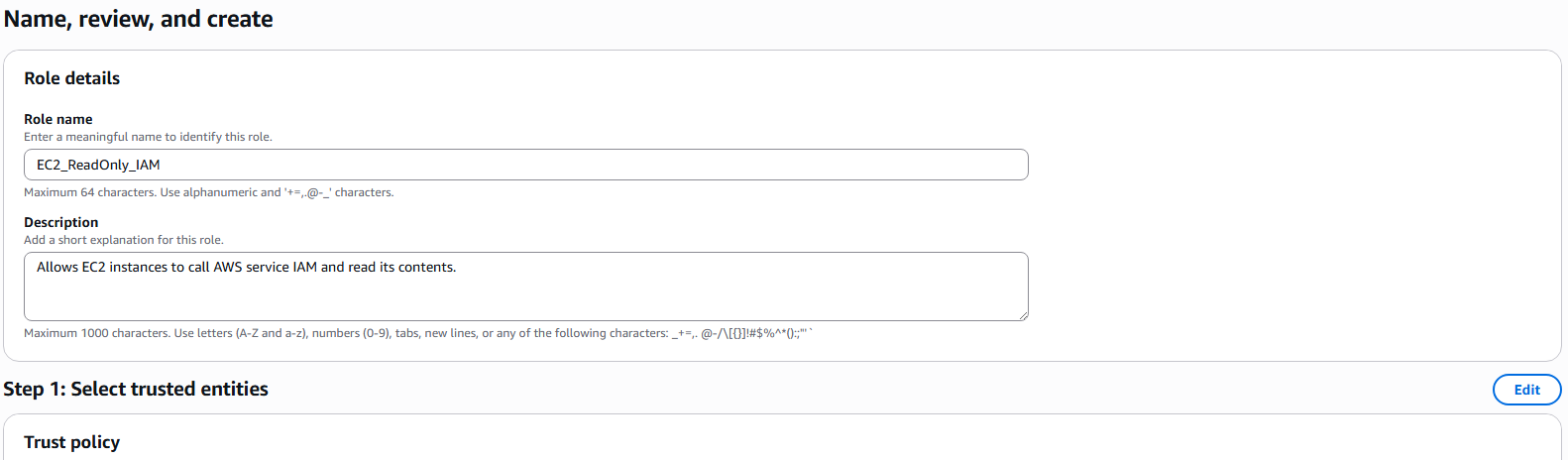
7. On the next page you will give the role a name and description and you will be presented with JSON code for the new role. Click on Create role.
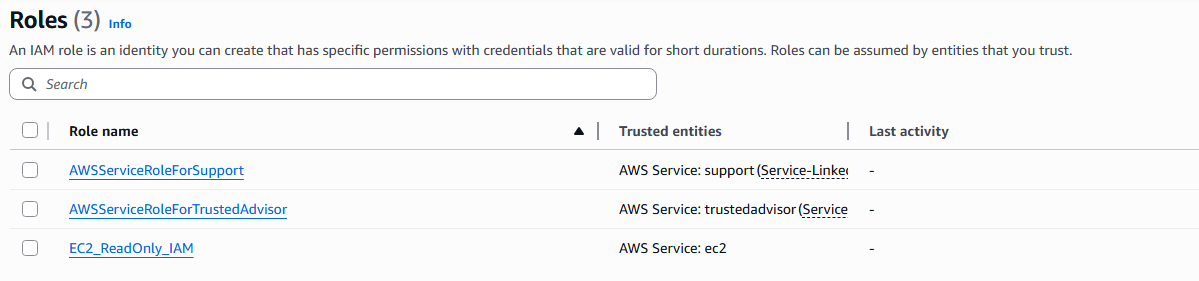
8. The new role will appear in your role list.
9. This role can now be applied to an EC2 instance that we currently do not have but will be produced in another article.