AWS allows developers and administrators to create a free account to test and evaluate the AWS enterprise offering. Please Note: AWS Free Tier Accounts do not restrict your ability to access any of the paid only services in AWS, thus ensure that all components you access are indeed part of the free tier to avoid costs.
- The following is required for creation of a free tier:
– Active email account
– Cell phone that can receive SMS messages
– Credit Card number for charges outside the free tier.
- Open a browser and navigate to the URL.
https://signin.aws.amazon.com/signup?request_type=register
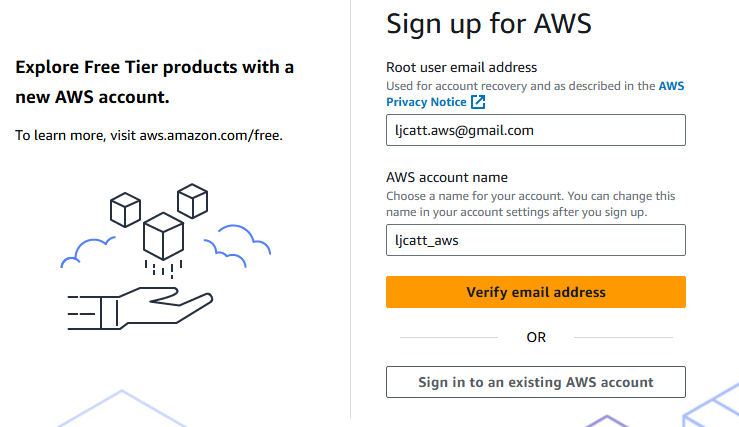
- Enter the email you have chosen to use and an account name then press Verify email address.
- Validate that you are not a machine and select submit.

- Go to your email and select email sent.

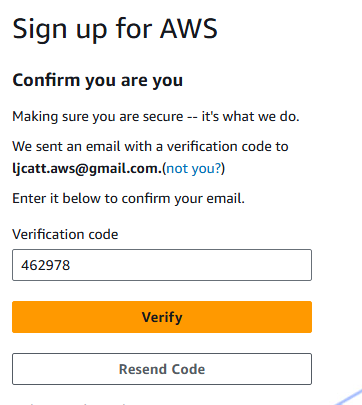
- Enter the code and select Verify
- Once email has been verified enter the password for you root user and select Continue.

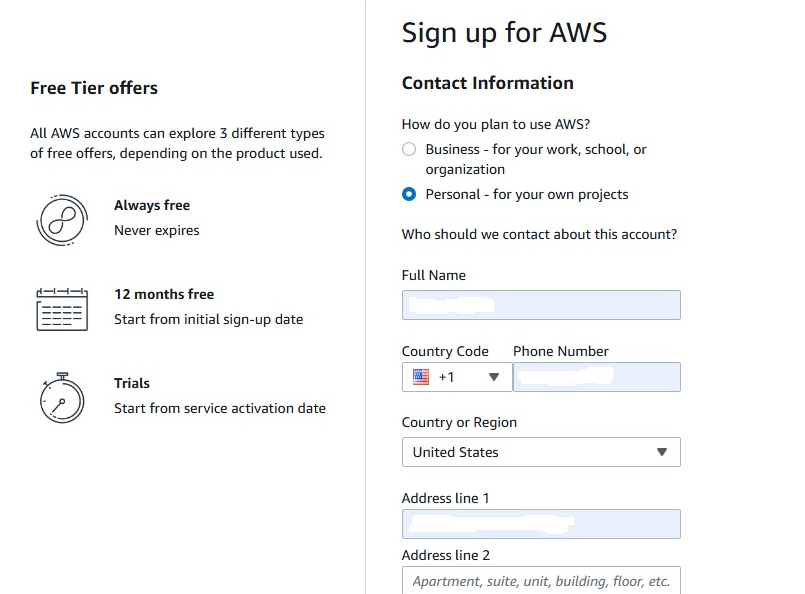
- On the next page Select Personal account, enter your information and check box the agreement. Finally select agree and continue button.
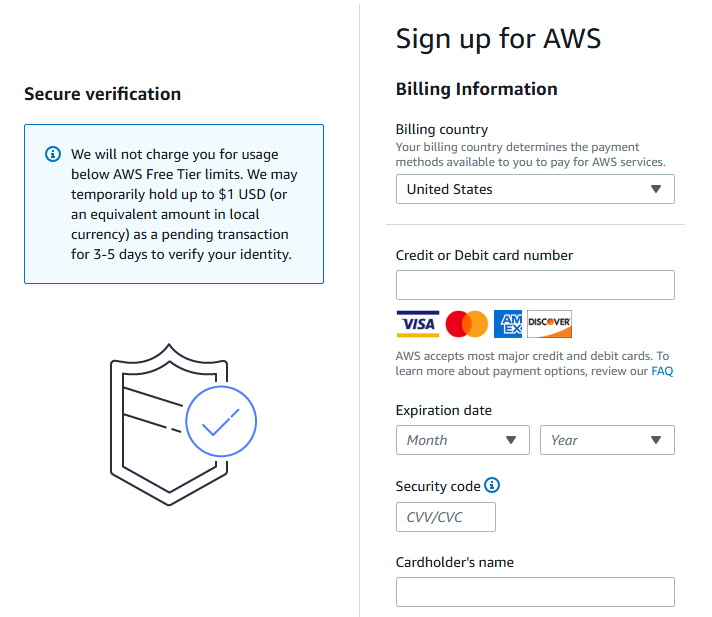
- Enter your payment data and continue.
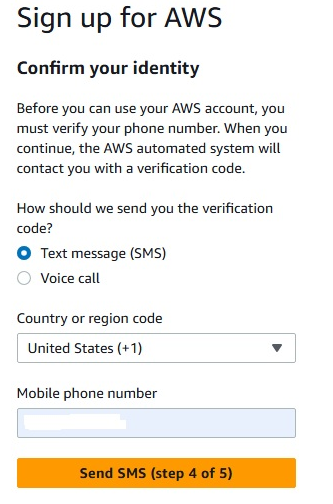
- Enter your phone number on the next page to confirm your identity.
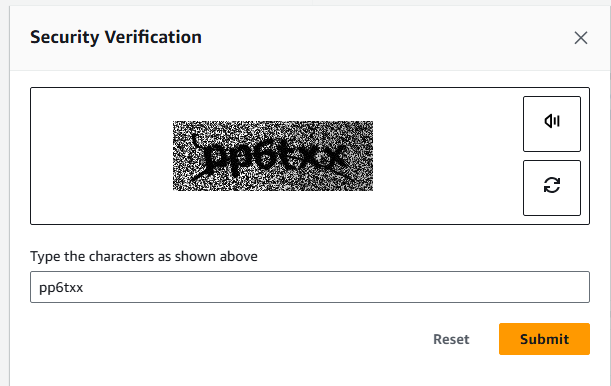
- Verify your not a computer again.
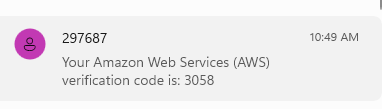
- Retrieve your code from the SMS cell phone
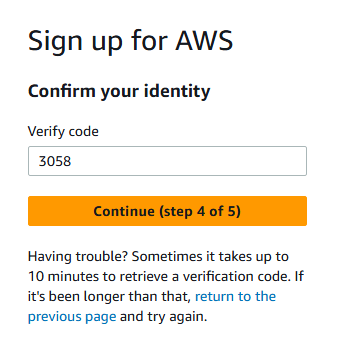
- Enter code sent to SMS service and select Continue.
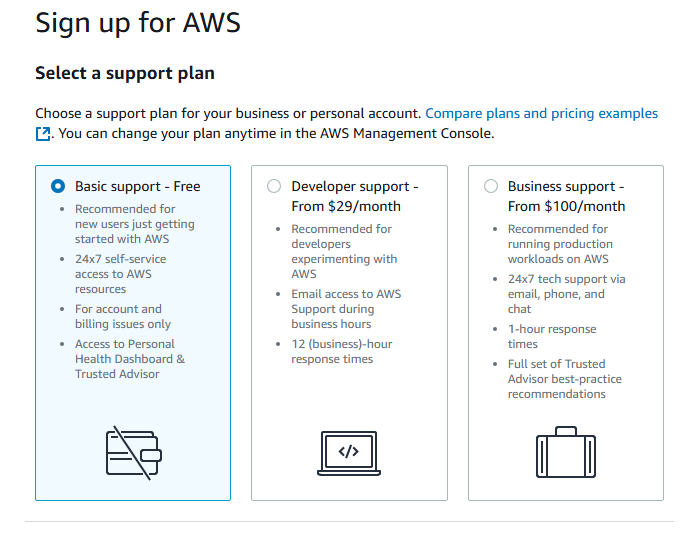
- Select Basic support – Free Tier and select Complete Signup
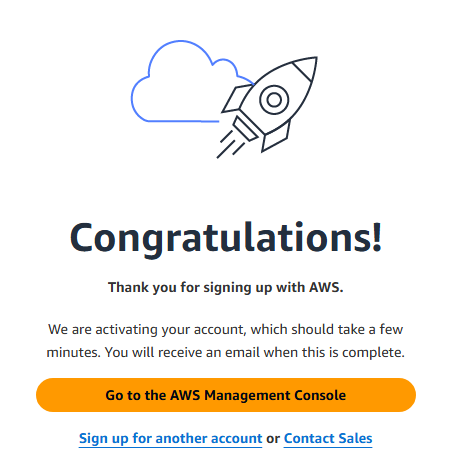
- Finally, you will be brought into the system, select Go to the AWS Management Console.
- Below is the starting AWS Management Console.
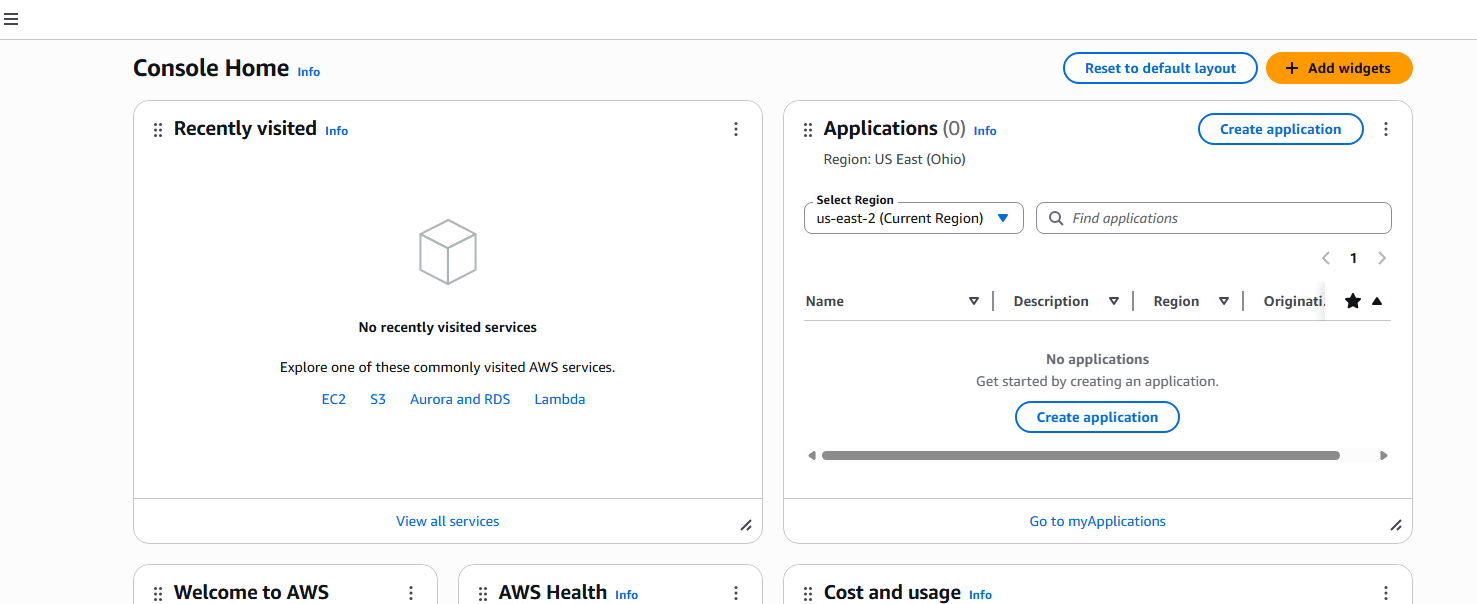
- The first two steps in new account is to setup billing alerts and define user beside the root user for administration.